Diagnose before you act
Know exactly which drives failed and why before anything is rebuilt. A proper RAID data recovery starts with imaging every member drive, so the originals are never at risk.
Your array failed. Your data is still there. Careful
diagnostics and recovery for RAID 0, 1, 5, 6 and 10.
RAID data recovery starts with stopping further damage. Correct drive handling,
bit-level imaging and careful rebuilds in the lab —
without risking the original drives.
Know exactly which drives failed and why before anything is rebuilt. A proper RAID data recovery starts with imaging every member drive, so the originals are never at risk.
RAID 0 striping, RAID 1 mirrors, RAID 5 and 6 parity, RAID 10 hybrids, NAS boxes and software arrays. Each layout fails differently, and each gets a recovery plan built for it.
A failed array is stressful. Talk to a specialist first: describe the symptoms, get honest odds, and learn exactly how to ship or hand over your drives safely.
Our RAID 5 shows two drives down. Can you help?
Power it down and don’t rebuild. We’ll image every drive first.
That sounds like a plan.
“Never rebuild, re-initialize or reformat a failed array. The first thing a lab does is image the drives — everything else follows from those copies.”
The SteadyBackups recovery ruleImage first. Rebuild never touches originals.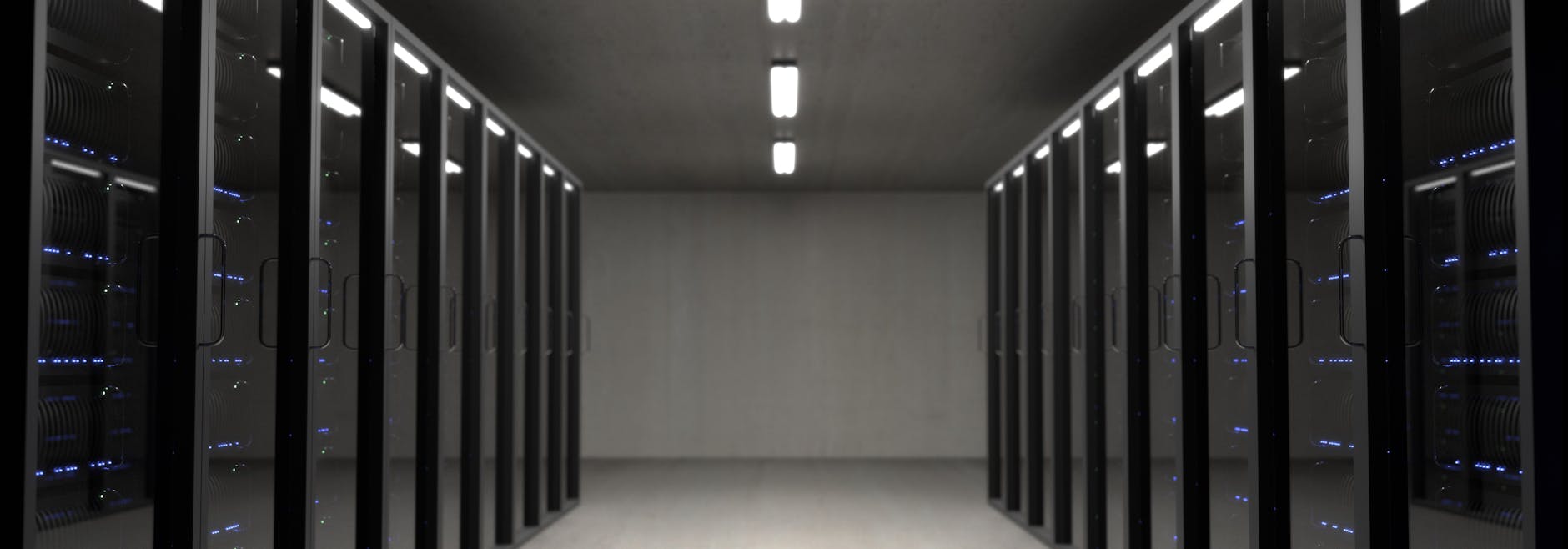
From striped pairs to parity arrays, NAS boxes and server cabinets,
see how each RAID layout is diagnosed and recovered.
Striped pairs with no safety net, and mirrors with a dead half. Block-level imaging and virtual rebuilds bring both back.
Parity arrays with failed members, stale parity and rebuilds that stalled halfway. Recovered from images, never the originals.
Synology, QNAP, Dell, HP and Supermicro boxes with dead controllers, lost configuration or unmountable volumes.
Databases, documents, photo libraries and virtual machines recovered from the array and verified file by file.
A successful RAID data recovery starts with the fundamentals: power down, image every drive, and rebuild only from copies.
Explore security & handling What to do when your array failsPower down a failed or degraded RAID before anything overwrites your data.
Note each drive's slot and order before removing anything from the enclosure.
Every member drive is copied bit by bit, including the ones that seem dead.
Recovered documents, photos and databases are opened and checked before delivery.
No rebuilds on originals. No guesswork. Just method.
Each member drive is tested individually: electronics, firmware, heads and sectors — before any RAID data recovery begins.
Every readable sector is copied bit by bit to lab storage. All rebuild work happens on these images — your originals stay untouched.
ORIGINALS NEVER AT RISK.
The controller's job is recreated in software from the images: stripe order, parity and offsets solved without touching hardware.
THE ARRAY, RECREATED SAFELY.
The virtual array is mounted read-only and your file systems are extracted, opened and checked before anything is delivered.
CHECKED BEFORE IT SHIPS.
Chain of custody from intake to return, access limited to the engineers on your case, and lab copies securely wiped after delivery.
PRIVATE FROM DOOR TO DOOR.
Explore a sample RAID data recovery: intake, imaging and verification.
Try changing the sample case below.
Choose a sample imaging step for this walkthrough.
Run a simulated check of the sample recovery process.
This example does not touch your drives or your data.
An interactive illustration of a RAID data recovery case. No account or drive connection required.
Practical RAID data recovery guides, written for the day something fails.
Your RAID array is degraded or offline. Here is what to do — and what not to do — before your data recovery begins.
Read the guideHandle client RAID failures cleanly: intake, drive handling, and handover that protects everyone.
Read the guide
Understand your array before it fails — and after.
A controller rebuild can destroy what a lab could have saved. Learn when to stop and call a recovery specialist.
Read the guide
How each RAID level stores your data — and what failure looks like for each one.
Read the guideMost arrays we recover were made worse first. Read this before you click rebuild.
Describe your failure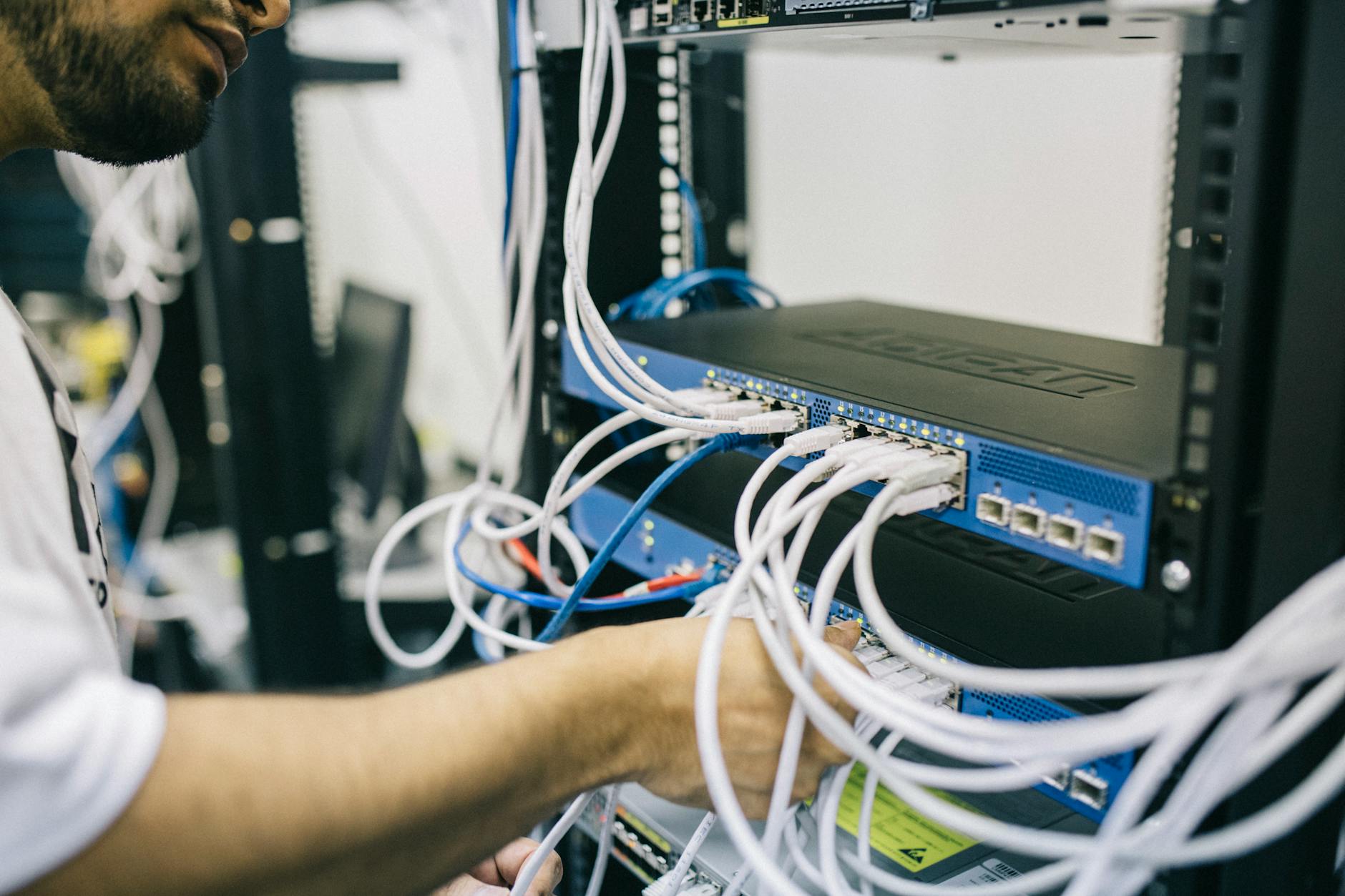
Clicking drives, degraded arrays, slow rebuilds — the symptoms that mean stop and image the drives.
Read the guideDrive count, failure type, and clean-room work: what actually determines a RAID recovery quote.
Read the guideFamily photos, client work, company records — recovered and verified.
Send your drives to specialists who image first, rebuild virtually
and verify every recovered file before delivery.
RAID 0, RAID 1, RAID 5, RAID 6, RAID 10 and nested layouts, plus NAS systems from Synology, QNAP and others, hardware controllers from Dell, HP and Supermicro, and Windows Storage Spaces and Linux mdadm software arrays.
In a controlled lab, working only from bit-level images of your drives. Your originals are sealed and never written to, and lab copies are securely wiped once your delivery is confirmed.
Yes. Every member drive, healthy or not, plus the controller details if it is a hardware array. Parity reconstruction and stripe analysis need the complete set, and drive order matters, so label each slot before removing anything.
Strictly confidential. Only the engineers on your case can access your data, files are opened solely to verify they recovered correctly, and lab copies are securely wiped after delivery. Written confidentiality terms are available on request.
Diagnostics typically take 24 to 48 hours after the drives arrive. Full recovery then runs several days depending on drive count, capacity, and failure type. Priority turnaround is available when downtime is costing you.
Each service is fixed-scope: the product page lists the array types covered and the deliverables. Diagnostics ends with a written quote; full recovery ends with a verified file listing and delivery on new, tested media.
Yes. Every case ships with a per-drive health report, the rebuild parameters used, and a verified file listing — documentation your IT team, insurer, or auditor can follow. Specific legal requirements should still be reviewed with your own specialists.
Power the array down, note the drive order, and do not rebuild or re-initialize. Then use the contact form to describe the RAID level, symptoms, and controller messages. The initial assessment is free.
